 Remote Online Notarization (RON) makes notarizing documents fast and secure from anywhere. Follow our RON Process Guide to request a quote, verify your ID, sign online in a live video call, and download your notarized PDF in minutes.
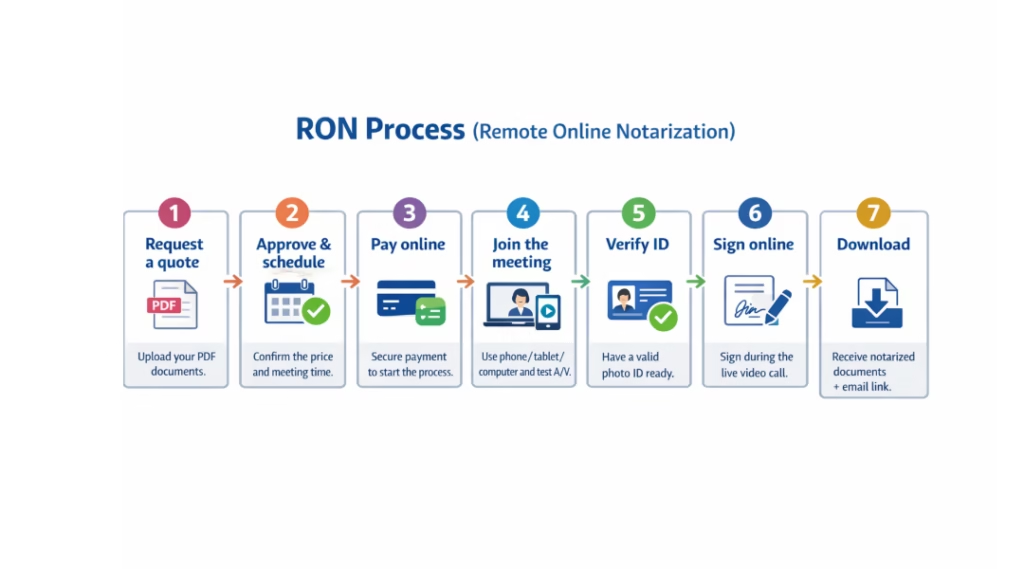
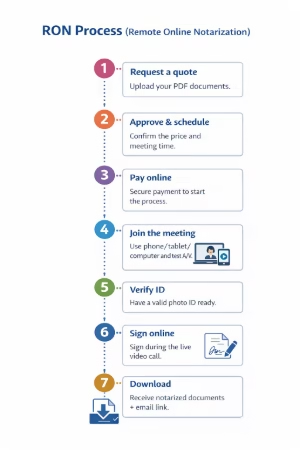
RON Process (Remote Online Notarization)
-
Request a quote by submitting a PDF copy of the documents you need notarized.
-
Review and approve the quote, then schedule a meeting date and time.
-
Pay for the service securely online.
-
Receive a meeting link to join the online notarization session (phone, tablet, or computer). Test your audio and video before starting.
-
Have a valid photo ID ready to complete the identity verification step.
-
Sign the documents online during the live video call with the notary.
-
Download your notarized documents. A download link will also be sent to your email.
To contact RC Neuberger, scroll down to the bottom of the page or schedule a phone call through our system.